Estimates of gap fraction, upon which calculations of canopy attributes are based, are sensitive to photographic exposure in upward-facing images (Macfarlane et al. (2014)).
Several studies indicated that camera exposure is the major source of uncertainties in indirect leaf area index estimation from canopy photography (Chianucci 2020; Yan et al. 2019). In addition, a previous study found that at least 10 different methods to determine exposure for canopy photography were used by scientists in the last two decades, hindering comparability among different studies and protocols (Beckschäfer et al. (2013)).
Rather than looking for an optimal exposure from in-camera JPEG images, shooting raw has the advantage of higher radiometric resolution (bit-depth ≥ 12 bit) and linear relationship with actual brightness. While several studies tested various approaches to use RAW imagery (Cescatti et al. 2007; Lang et al. 2010; Hwang et al. 2016), Macfarlane et al. (2014) found that shooting raw with one stop of underexposure and applying a linear contrast stretch yielded largely insensitive results, thus providing a way for standardizing and optimizing photographic exposure.
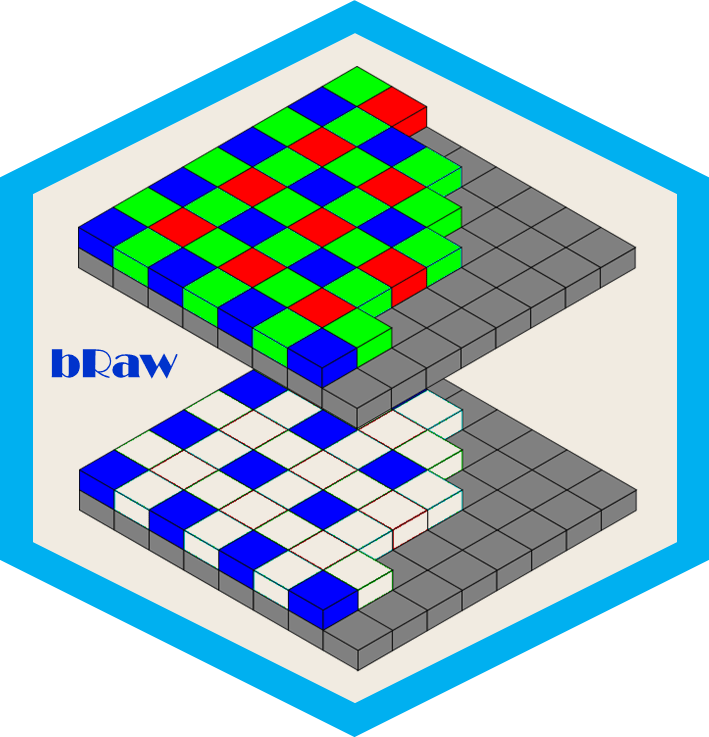
The bRaw package replicates the methodology proposed by Macfarlane et al. (2014). The key steps of the procedure are:
read the Bayer pattern from RAW imagery;
convert the raw image into a 16 bit portable grey map (‘pgm’) format;
select the blue channel of the pgm;
(optionally) apply a circular mask (in case of circular fisheye images);
contrast stretch the image (or mask);
(optionally) apply a gamma adjustment (2.2);
Export the 16-bit linear, enhanced blue channel as a 8-bit single channel ‘jpeg’.
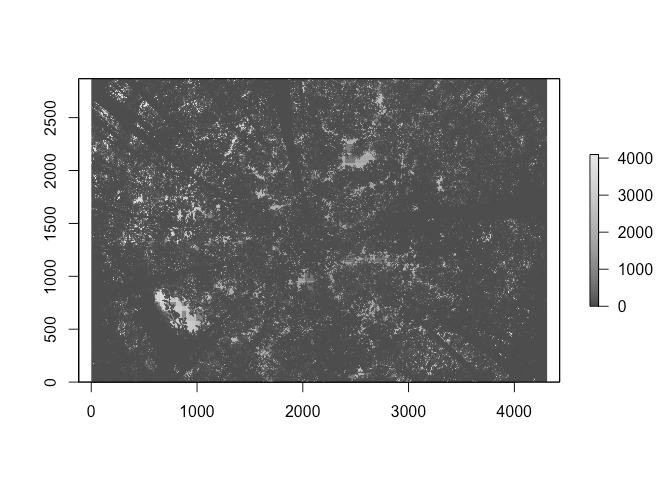
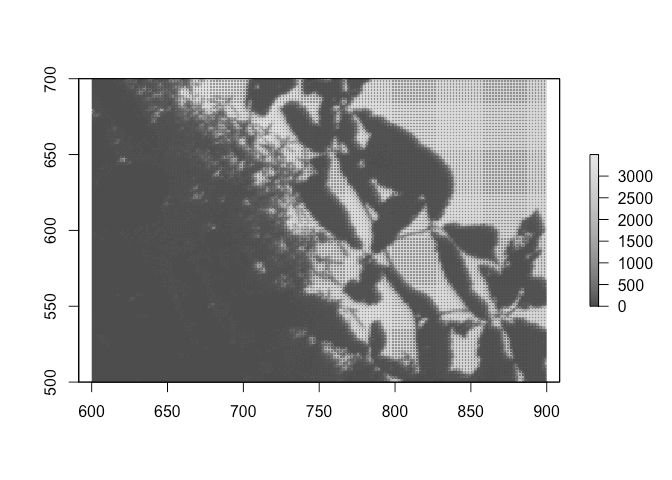
All the steps are performed by a single function ‘raw_blue()’, which yields:
raw_blue(filename,circ.mask=NULL,gamma.adj=TRUE,display=TRUE)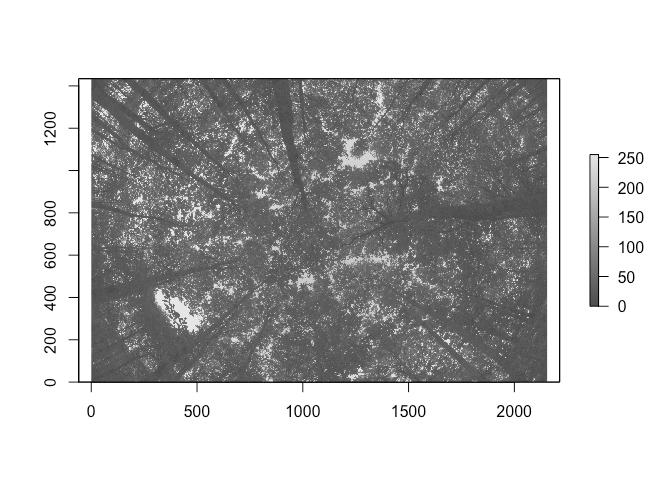
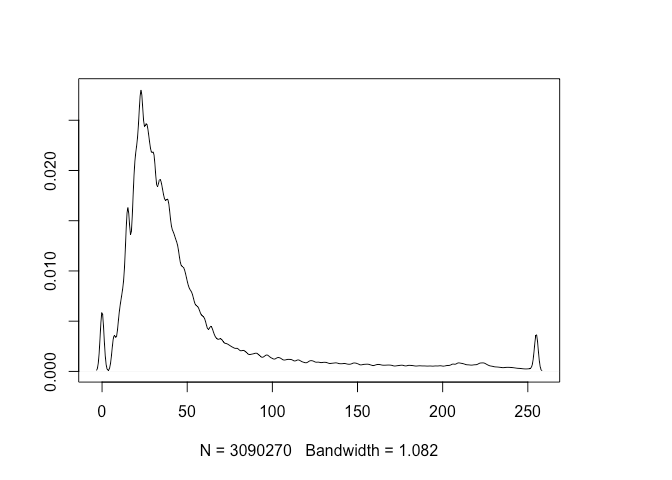
The linear contrast stretch yielded high dynamic range in the histogram and resulted in a lighter image, as only one channel and one-forth of the raw number of pixels (corresponding to the blue pixels) are used:
The package can be installed from gitLab using devtools (Wickham et al. 2021):
# install.packages("devtools")
devtools::install_gitlab("fchianucci/bRaw")
The article describing the package is available here: https://biorxiv.org/cgi/content/short/2022.10.25.513518v1